Download
Ming-Image-0.1-Design vs Qwen Image 2.1: side-by-side compare workflow for ComfyUI
One prompt, one seed, two models: render Ming-Image-0.1-Design and Qwen Image 2.1 together and get a stitched side-by-side comparison.
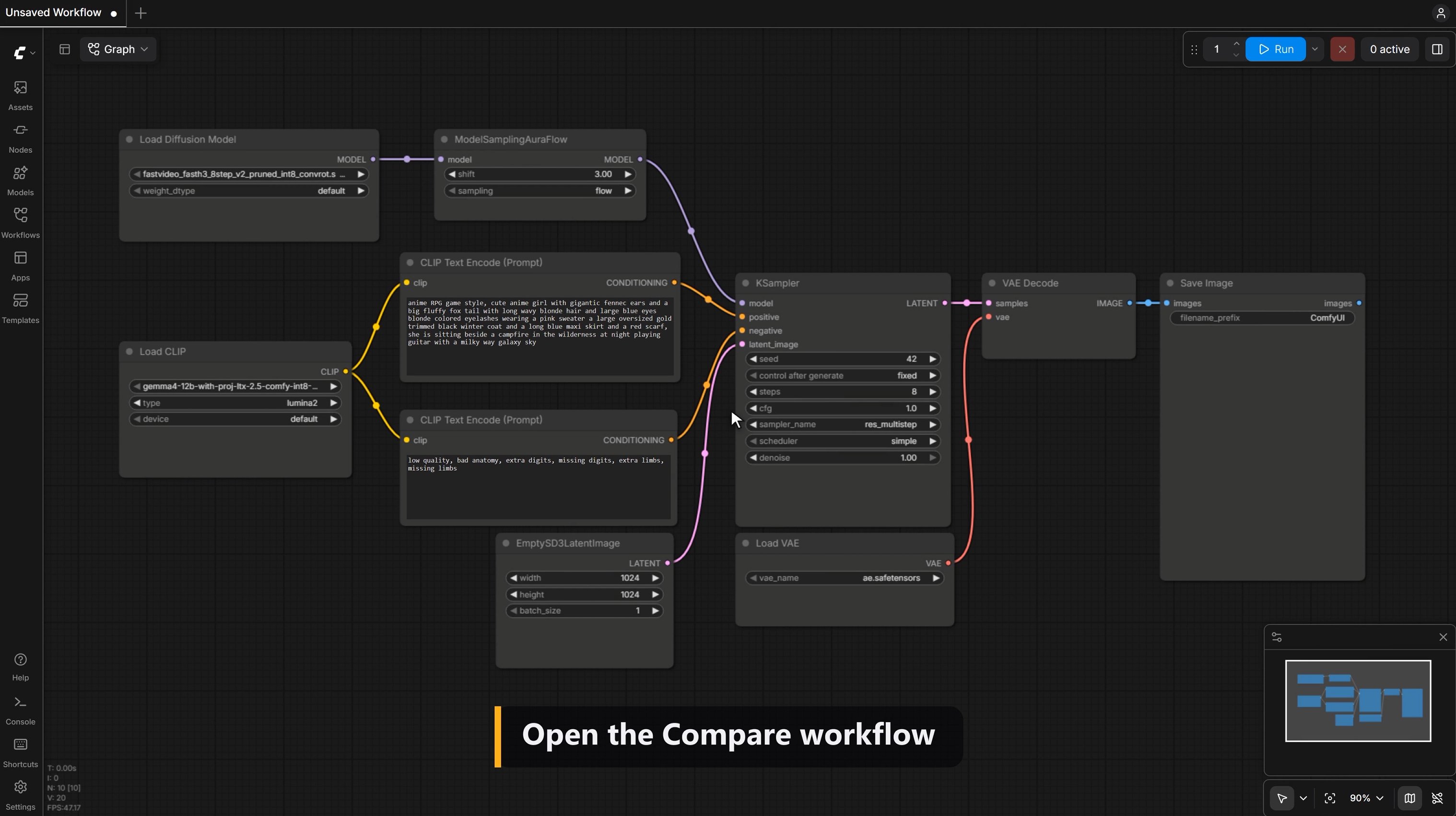
Compare two of the newest open image models fairly, in one ComfyUI graph.
A shared prompt and seed feed both Ming-Image-0.1-Design and Qwen Image 2.1, so the only thing that changes is the model. Each one runs at its recommended settings. You get three images: Ming's result, Qwen's result, and both stitched side by side, ready to post.
What's included
The workflow (.json), preset to the demo: an infographic prompt, seed 42, 2048 × 2048 The ComfyUI-MingImage custom node, which runs the FP8 Ming weights A README with install steps and download links for every model
Requirements
A recent ComfyUI (tested on v0.37) Qwen Image 2.1 files from Comfy-Org (ComfyUI offers to download them when they're missing) Ming-Image-0.1-Design FP8 weights from alexokita on Hugging Face Tested on an RTX 5090 (32 GB). For GPUs with less memory, switch to 1024 × 1024.
Good to know
Ming renders square images only (1024 or 2048) On the RTX 5090 at 1024: about 8 s for Qwen and 26 s for Ming